 Pete Freitag
Enabling Unlimited Strength Cryptography in ColdFusion
By Pete Freitag


If you want to use very strong encryption in ColdFusion you may need to install the Unlimited Strength Jurisdiction Policy Files in the JVM running ColdFusion.
For example if you want to use AES encryption with anything higher than a 128 bit key, then you need to do this otherwise you will get an exception about invalid key length when you try to encrypt or decrypt.
But - Pete? you ask, how do I use a higher key bit length with AES encryption in ColdFusion? Instead of GenerateSecretKey("AES") use this: GenerateSecretKey("AES", 256)
You my also be thinking what if I don't use the Encrypt or Decrypt functions - should I still do this? My answer here would be Yes. Other techonologies such as HTTPS can use AES 256 encryption, without this policy a cfhttp call can only use 128 bit encryption even if the server supports 256 bit SSL (note I haven't done any tests to back this up, I am assuming that is the case).
Now if you do your development on a Mac you might find that AES 256 works just fine without doing anything. The JVM that apple ships appears to have unlimited crypto enabled (at least if you live in the US it does - may differ depending on your locale).
Ok - how do I enable it?
As of Java 1.8.0_151 and Java 9 Oracle has a new, somewhat easier way to enable Unlimited Strength Crypto. Please use the instructions in that link.
Here are the instructions for Java 1.7 and below
Note you really should not be following these instructions, because doing so means you have a JVM with security vulnerabilities, should you really be doing this type of crypto with a vulnerable JVM?
First, head over to oracle and download the Java 1.7 policy files or java 1.6 policy files (depending on what version of java you are running).
Next locate the JVM directory that ColdFusion is using. If you are at this point sayings what's a JVM I never installed a JVM, then you are probably using the JVM that ships with ColdFusion, which on windows might be located at c:\ColdFusion9\runtime\jre\ here's how to find out for sure:
- Login to ColdFusion Administrator
- Click on Settings Summary on the left under the Server Settings
- Look for Java Home under the JVM Details heading
Now you will want to place the two jar files local_policy.jar and US_export_policy.jar under the lib/security/ folder. If the files already exist copy them into a temp directory for backup, then replace with the ones you just downloaded. Restart ColdFusion, and you're done.
Upgrade your JVM to at least 1.6.0_24
Now is probably a good time to upgrade your JVM if you are running a 1.6 version lower than 1.6.0_24 - because without doing so you are leaving your server open to a serious DOS vulnerability. Adobe has certified and supports Java 1.6.0_24 for all versions of ColdFusion 8 and 9 (more info on the JVM DOS vulnerability here)
Enabling Unlimited Strength Cryptography in ColdFusion was first published on March 08, 2012.
If you like reading about java, jvm, crypto, encryption, or aes then you might also like:
- Java LTS Versions Explained with EOL Dates
- Updating Java on ColdFusion or Lucee
- Java Unlimited Strength Crypto Policy for Java 9 or 1.8.0_151
- ColdFusion Heap / Non-Heap Memory Usage Script
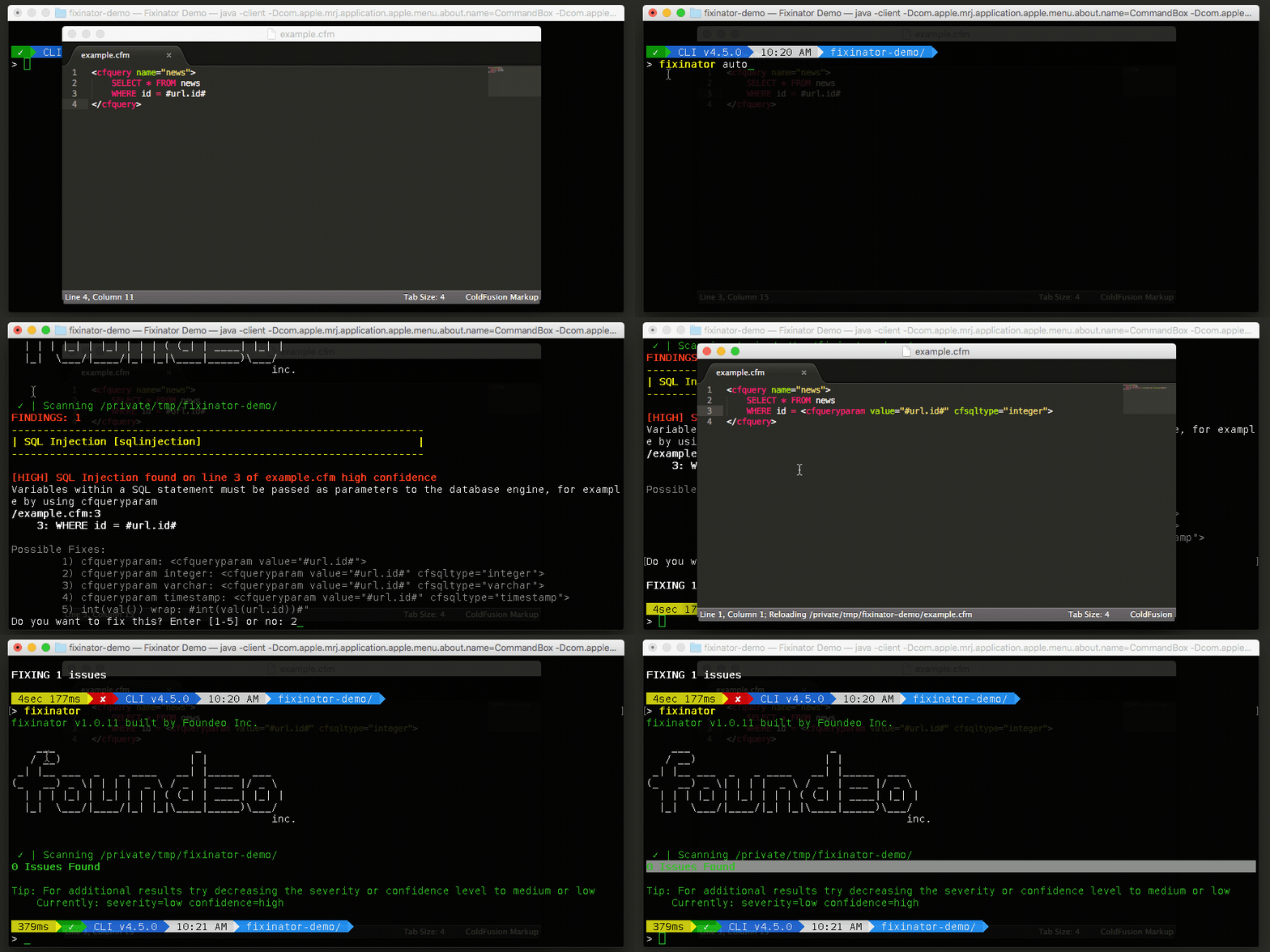
The Fixinator Code Security Scanner for ColdFusion & CFML is an easy to use security tool that every CF developer can use. It can also easily integrate into CI for automatic scanning on every commit.
Try Fixinator
-Brian