 Pete Freitag
Using Railo, Secure The railo-context
By Pete Freitag

If you are using Railo you will want to make sure you have locked down the uri /railo-context/ - this is Railo's equivilent to ColdFusion's /CFIDE/ directory. It contains the Railo Administrator, as well as some other supporting files and mappings.
Running Lucee?
If you are running Lucee you can follow the same procedure, just replace /railo-context with /lucee.
Note: This is one issue that HackMyCF.com CF security scanner will look for.
One of the features of Railo / Lucee is that each web site can have its own administrator and settings. The first time you access the web administrator eg: /railo-context/admin/web.cfm it prompts you to set the administrator password. The drawback to this approach is that if you have multiple virtual hosts you have to go through and setup a password for each one. If you don't set the password, and the railo-context is wide open, anyone can go and set the password and access the railo administrator. It would be nice if you could specify a default password for all web contexts in the server wide Railo administrator. (Update See Todd's comment, you can set a server wide password)
So how do you go about this, James Allen has written up a guide (link no longer works, was: jamesallen.name/index.cfm/2009/8/1/How-to-Secure-Railo-31-Admin-in-IIS-6) for securing Railo Administrator on IIS. Here's how you can easily do it on Apache httpd.conf using basic authentication:
<Location /railo-context>
    AuthName "railo"
    AuthType Basic
    AuthUserFile /etc/httpd/admin.passwords
    Require valid-user
</Location>
You will want to setup a password file using htpasswd (located in your apache bin directory) and place the path to that file in AuthUserFile directive.
Using Digest Authentication (better) your config will look as shown below, and you create the password file using htdigest:
<Location /railo-context>
    AuthType Digest
    AuthName "railo"
    AuthDigestFile /etc/httpd/admin.passwords
    Require valid-user
</Location>
Another approach you can take is limit access by IP. For example to limit it localhost:
<Location /railo-context>
Order Deny,Allow
Deny from all
Allow from 127.0.0.1
</Location>
You could also use mod_rewrite to block railo-context uri on all sites but one:
RewriteEngine ON
RewriteCond %{HTTP_HOST} !^admin\.example\.com$ [NC]
RewriteRule ^/railo-context.* [F,L]
Note: By password protecting or blocking the entire /railo-context you are blocking access to things like cfform, keep that in mind, you may want to be more selective about the uri's that you password protect. If you aren't using any features that require the railo-context it's best to block the entire thing.
Do you have any other Railo Security Tips? I plan on writing a few more articles on Railo Security in the future.
Using Railo, Secure The railo-context was first published on September 30, 2009.
If you like reading about railo, or security then you might also like:
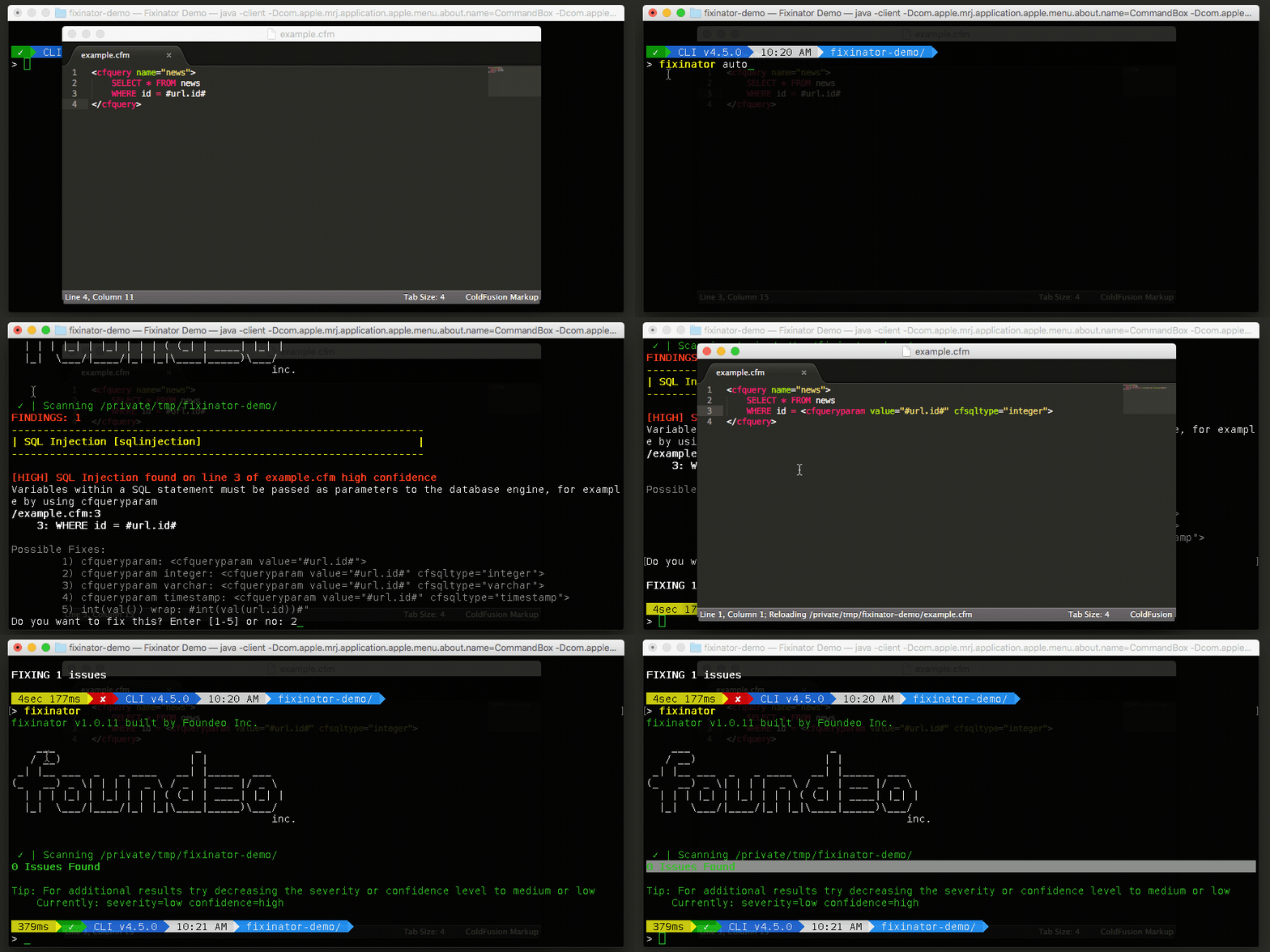
The Fixinator Code Security Scanner for ColdFusion & CFML is an easy to use security tool that every CF developer can use. It can also easily integrate into CI for automatic scanning on every commit.
Try Fixinator
CFBreak
The weekly newsletter for the CFML Community
Comments
Gert posted the information of the contents of what's in the WEB-INF folder here ( http://www.getrailo.org/index.cfm/documentation/configuration/webinf-folder/ ). Including tips on how to move the WEB-INF folder outside of the web root.
I believe there was a thread on the Railo Google Group on this topic. I use Apache proxy/rewrite tricks (as suggested by Sean Corfield, I believe) to access the Railo admin at a random/non-standard URL. You can also access it only on a non-standard port. The proxy sends it to Tomcat on port 8080 in the end, but port 8080 is not accessible at all to the outside world, only the internal proxy. To fully secure this setup, you might also want to work SSL into the mix.
@Jamie, thanks - do you have a link to that thready handy, sound good.
Out of all the directories that I'd be concerned about locking down, it would be the WEB-INF/Railo/temp directory and even then, there's an .htaccess blocking the WEB-INF anyway. IIS(all) users have the option of moving the WEB-INF elsewhere through the provided URL that I listed above.
ProxyPreserveHost On
ProxyPassReverse / ajp://railotest1:8009/
RewriteEngine On
# Custom/app-specific rewrite rules would go here...
# Forbid public access to Railo admins:
RewriteRule ^/railo-context/admin/(.*) - [F]
# Proxy a hard-to-guess URL base to the Railo Admin base (could also use a separate virtual host and put this on a non-standard port and/or force SSL):
RewriteRule ^/some-secret-way-to-access-railo-context/admin/(.*) ajp://%{HTTP_HOST}:8009/railo-context/admin/$1 [P]
# Proxy CFML requests to Tomcat:
RewriteRule ^/(.*\.cf[cm]/?.*)$ ajp://%{HTTP_HOST}:8009/$1 [P]
ProxyPreserveHost On
ProxyPassReverse / ajp://railotest1:8009/
RewriteEngine On
# Custom/app-specific rewrite rules would go here...
# Forbid public access to Railo admins:
RewriteRule ^/railo-context/admin/(.*) - [F]
# Proxy a hard-to-guess URL base to the Railo Admin base (could also use a separate virtual host and put this on a non-standard port and/or force SSL):
RewriteRule ^/some-secret-way-to-access-railo-context/admin/(.*) ajp://%{HTTP_HOST}:8009/railo-context/admin/$1 [P]
# Proxy CFML requests to Tomcat:
RewriteRule ^/(.*\.cf[cm]/?.*)$ ajp://%{HTTP_HOST}:8009/$1 [P]
So I understand that there is a lot more going on in /CFIDE than in /railo-context but it's still possible that vulnerabilities might pop up in there. Hence my recommendation to block it if you can.
<Location /railo-context/admin>
AuthName "railo"
AuthType Digest
AuthDigestDomain /railo-context/admin
AuthDigestProvider file
AuthUserFile /etc/apache2/admin.passwords
Require valid-user
</Location>
Example:
http://www.coldfusionjedi.com/index.cfm/2010/12/20/Disabling-CFC-auto-documentation
So, either move the cfcs out of the web root and create a mapping to them or disable it via code.
Click on the left navigation is "Passwords" - then, right there is a section called "Set default password"