 Pete Freitag
Getting EXIF Metadata with ColdFusion 8
By Pete Freitag

One example that I've been meaning to post is how to get Image Metadata using the Exchangeable Image File Format or EXIF a using ColdFusion 8. It's actually quite simple, to get a list of all the EXIF tags simply use the ImageGetExifMetaData function.
Here's a quick example:
<cfimage action="read" source="#ExpandPath("lobster.jpg")#" name="img">
<cfset exif = ImageGetEXIFMetaData(img)>
<cfdump var="#exif#">
Here's a screen shot of a CFDUMP of the EXIF Image Metadata.
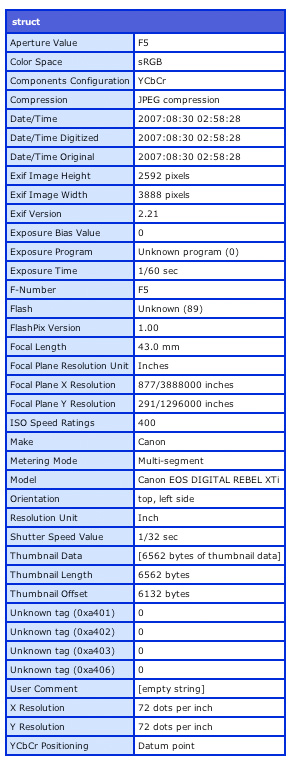
As you can see some of the useful keys are Model which gives you the digital camera model (Canon EOS DIGITAL REBEL XTi in this example), Make gives you the digital camera brand (Canon), Exposure Time gives you the exposure time (1/60 sec).
Getting EXIF Metadata with ColdFusion 8 was first published on October 26, 2007.
If you like reading about coldfusion 8, cfimage, exif, imagegetexifmetadata, cfml, or examples then you might also like:
- CFImage Presentation Outline
- ColdFusion 8 Update 1 Fixes some Image Processing Quirks
- 10 Most Useful Image Functions in ColdFusion 8
- CFImage Effects Library for ColdFusion 8
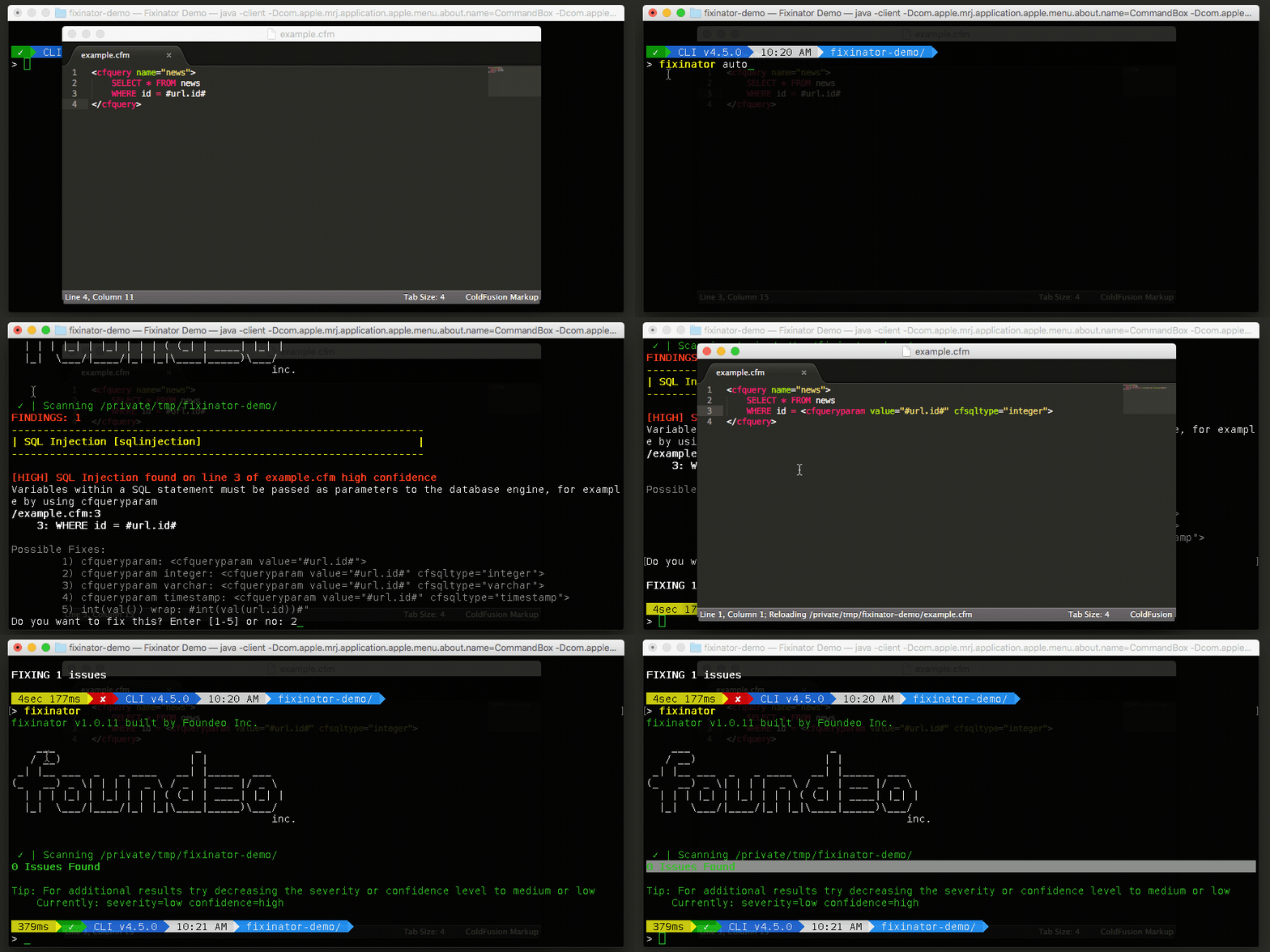
The Fixinator Code Security Scanner for ColdFusion & CFML is an easy to use security tool that every CF developer can use. It can also easily integrate into CI for automatic scanning on every commit.
Try Fixinator
CFBreak
The weekly newsletter for the CFML Community
Comments
Second you might also want to install the hotfix for CF 8.1 as it includes some image manipulation bugs.
If the file does have valid EXIF data, and CF 8.1 can't read it, you should submit a bug to Adobe.
http://en.wikipedia.org/wiki/Color_space