 Pete Freitag
Using UUID's for CFTOKEN and Database client storage
By Pete Freitag

Just a heads up if your using UUID's for CFTOKEN values with database client storage when upgrading to CFMX, be sure to change the size of the cfid field in the CDATA and CGLOBAL tables. The cfid field stores both the cfid and cftoken value as follows cfid:cftoken. The cfid is usually around 7 characters, and the cftoken when using a UUID is a 35 character UUID plus a 17 character prefix. Just to be safe I changed the size to 64 characters, and changed it to a varchar type.
Below is the error message generated:
Operation failed on the data source named "yourdatasource".

Reason of failure "[Macromedia][SQLServer JDBC Driver][SQLServer]String or
  binary data would be truncated."

Stack Trace:

coldfusion.runtime.ClientScopeDBException:
        Operation failed on the data source named "datasourcename".
        at coldfusion.runtime.JDBCHelper.Store(Unknown Source)
        at coldfusion.runtime.ClientScopeServiceImpl.PersistClientVariables(Unknown Source)
        at coldfusion.runtime.ClientScope.commitChanges(Unknown Source)
        at coldfusion.filter.ClientScopePersistenceFilter.invoke(Unknown Source)
        at coldfusion.filter.BrowserFilter.invoke(Unknown Source)
        at coldfusion.filter.GlobalsFilter.invoke(Unknown Source)
        at coldfusion.filter.DatasourceFilter.invoke(Unknown Source)
        at coldfusion.CfmServlet.service(Unknown Source)
        at jrun.servlet.ServletInvoker.invoke(ServletInvoker.java:91)
        at jrun.servlet.JRunInvokerChain.invokeNext(JRunInvokerChain.java:42)
        at jrun.servlet.JRunRequestDispatcher.invoke(JRunRequestDispatcher.java:226)
        at jrun.servlet.ServletEngineService.dispatch(ServletEngineService.java:527)
        at jrun.servlet.jrpp.JRunProxyService.invokeRunnable(JRunProxyService.java:198)
        at jrunx.scheduler.ThreadPool$DownstreamMetrics.invokeRunnable(ThreadPool.java:348)
        at jrunx.scheduler.ThreadPool$ThreadThrottle.invokeRunnable(ThreadPool.java:451)
        at jrunx.scheduler.ThreadPool$UpstreamMetrics.invokeRunnable(ThreadPool.java:294)
        at jrunx.scheduler.WorkerThread.run(WorkerThread.java:66)
Using UUID's for CFTOKEN and Database client storage was first published on June 17, 2003.
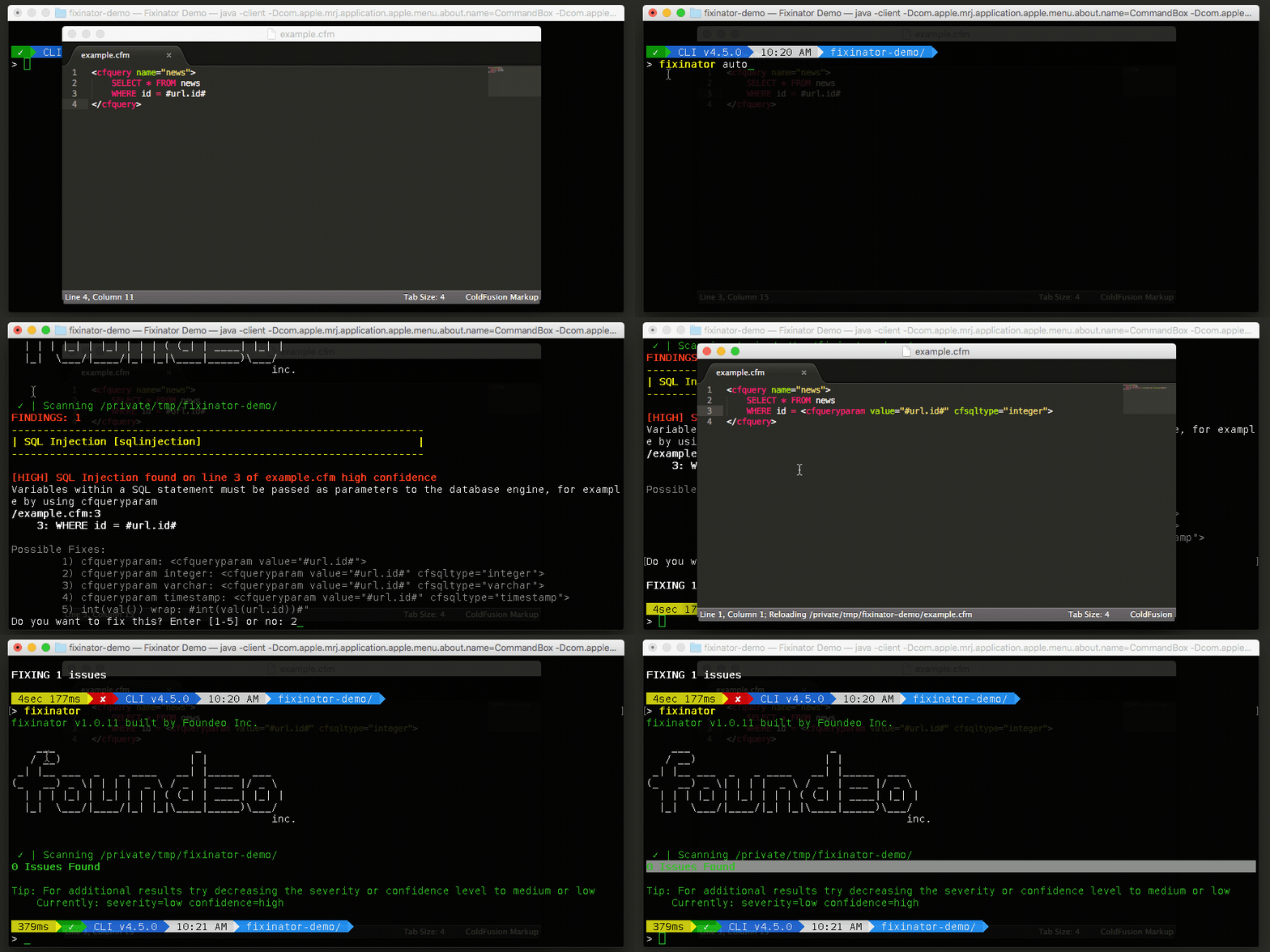
The Fixinator Code Security Scanner for ColdFusion & CFML is an easy to use security tool that every CF developer can use. It can also easily integrate into CI for automatic scanning on every commit.
Try Fixinator