 Pete Freitag
Some handy Eclipse Keyboard Shotrcuts
Published on March 10, 2005
By Pete Freitag
By Pete Freitag


I found some handy keyboard shortcuts for working with Eclipse (these are actually part of the general text editor component, so they work with pretty much any editor including the cfeclipse editor)
- Alt+Up - Swap the current line with the line above it
- Alt+Down - Swap the current line with the one below it
- Ctrl+D - delete the current line
- Shift+Enter - adds a blank line below the current one
- Ctrl+Shift+Enter - adds a blank line above the current one
You can find more keyboard shortcuts by going to Window - Preferences - General - Keys
Some handy Eclipse Keyboard Shotrcuts was first published on March 10, 2005.
If you like reading about eclipse, or cfeclipse then you might also like:
- Tip for Viewing Images in Eclipse
- RDS Plugin for Eclipse?
- Howto keep Eclipse Plugins between upgrades
- Fonts for Programmers
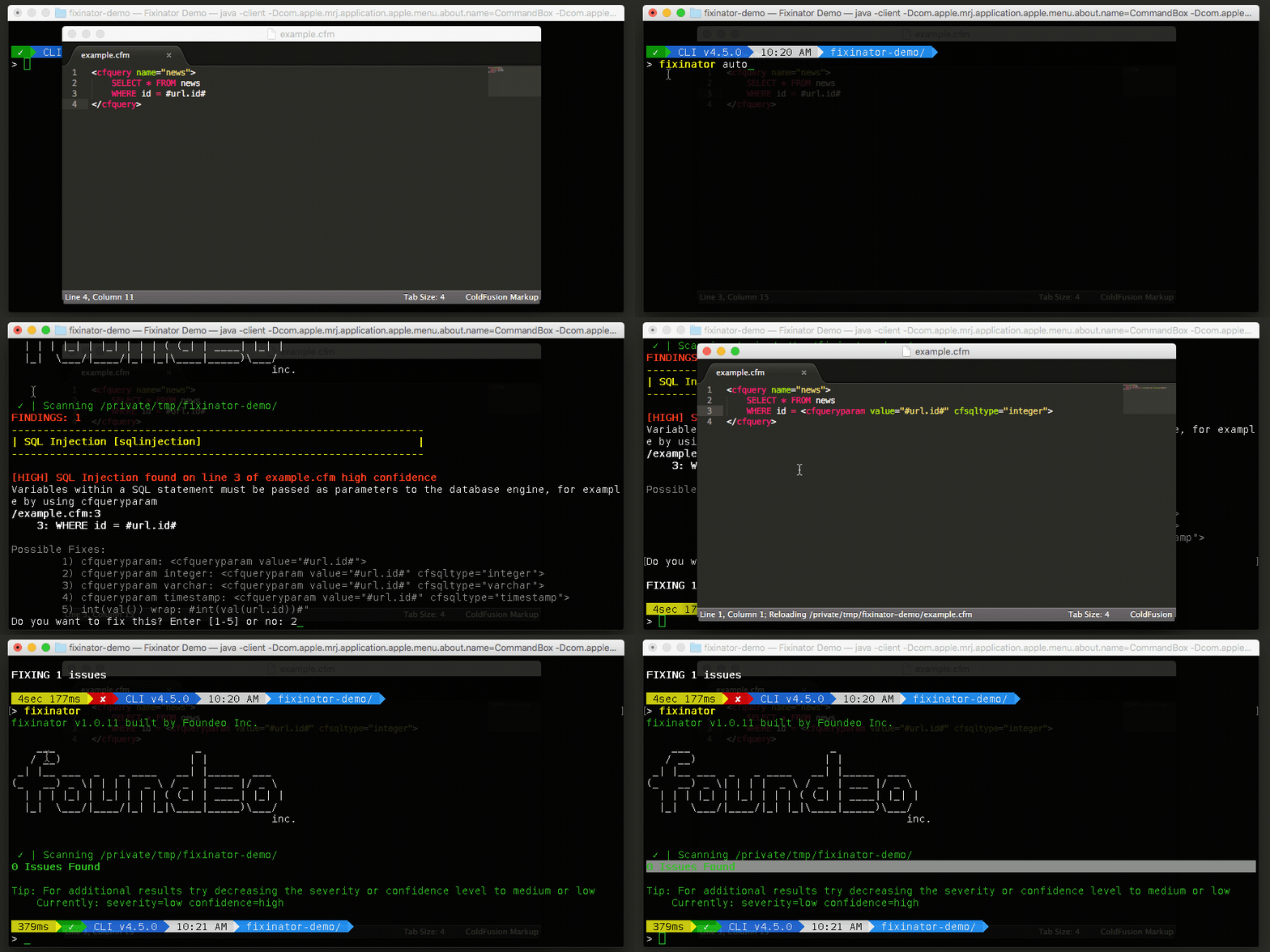
The Fixinator Code Security Scanner for ColdFusion & CFML is an easy to use security tool that every CF developer can use. It can also easily integrate into CI for automatic scanning on every commit.
Try Fixinator
CFBreak
The weekly newsletter for the CFML Community
Comments
Ctrl+F6 can be used to switch between active files in Eclipse.
by Shishir Shikarkhane on 03/16/2007 at 2:18:43 AM UTC
Alt+left arrow : getting your cursor to the precedent place in history (without making a change).
Alt+right arrow : future in history stack.