 Pete Freitag
Time Zone Issues with Java 1.4 on Windows
By Pete Freitag


If your experiencing timezone problems with Java 1.4 on Windows, it may be due to this bug: #5033603, which was fixed in Java 1.5.
Basically when Java 1.4 looks up your timezone information to set the default timezone it looks in HKEY_LOCAL_MACHINE/SYSTEM/ControlSet001/TimeZoneInformation first instead of just HKEY_LOCAL_MACHINE/SYSTEM/CurrentControlSet/TimeZoneInformation. It is possible that ControlSet001 is not your current control set, which is where the problems come in. You will see the correct timezone info in Windows Control panel but Java will be using the incorrect time zone.
This entry (http://forum.java.sun.com/thread.jsp?thread=525680&forum=31&message=2523129) in the java discussion forums has lots of info describing the issue.
So to solve the problem you can update the registry settings manually, or your can set the system property at startup by adding -Duser.timezone=America/New_York (or whatever your timezone is) to your VM Arguments.
Time Zone Issues with Java 1.4 on Windows was first published on October 25, 2004.
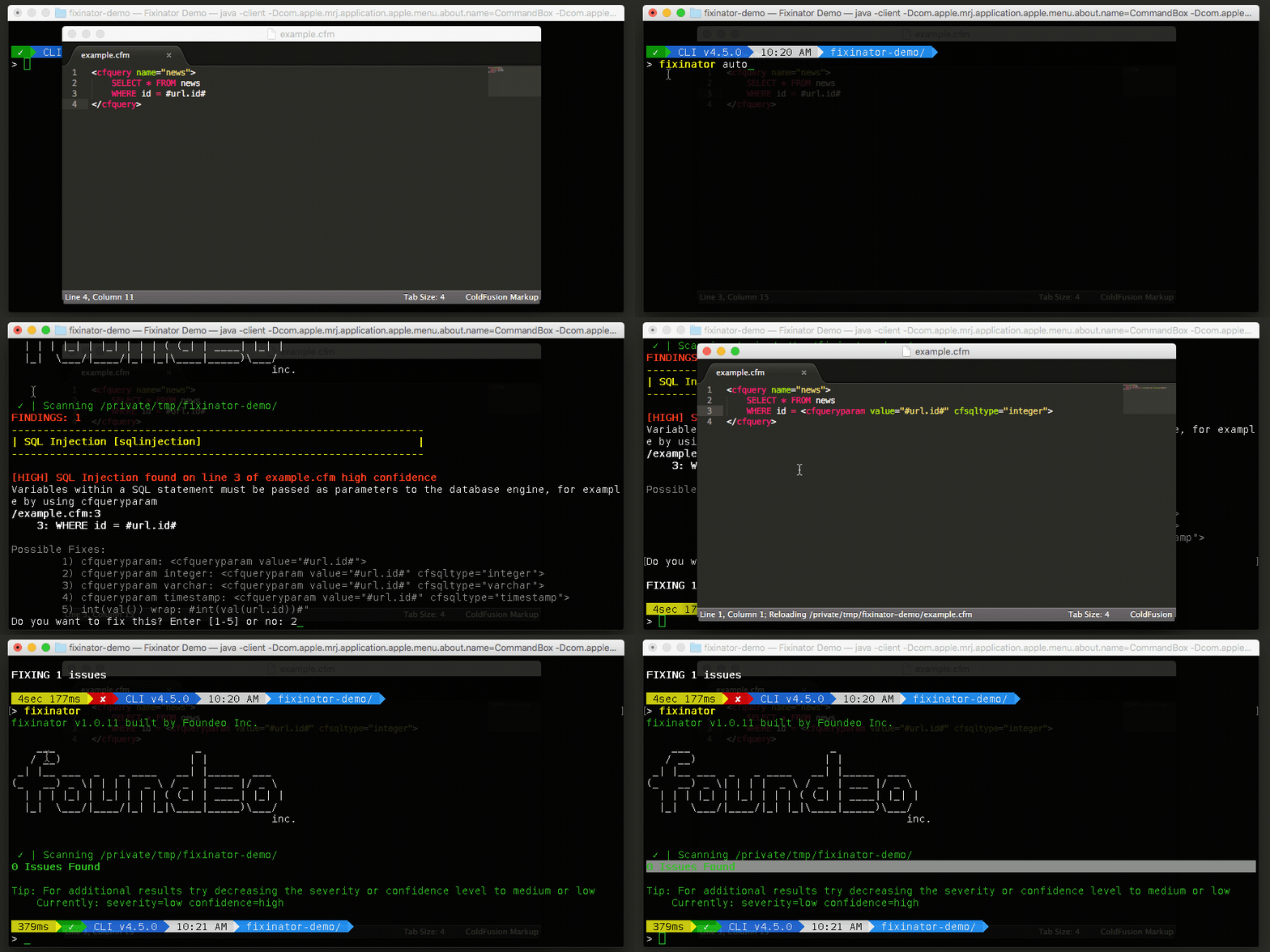
The Fixinator Code Security Scanner for ColdFusion & CFML is an easy to use security tool that every CF developer can use. It can also easily integrate into CI for automatic scanning on every commit.
Try Fixinator